

Know Your Can Knockdown App – Windows XP/7/8/10 and MAC PC
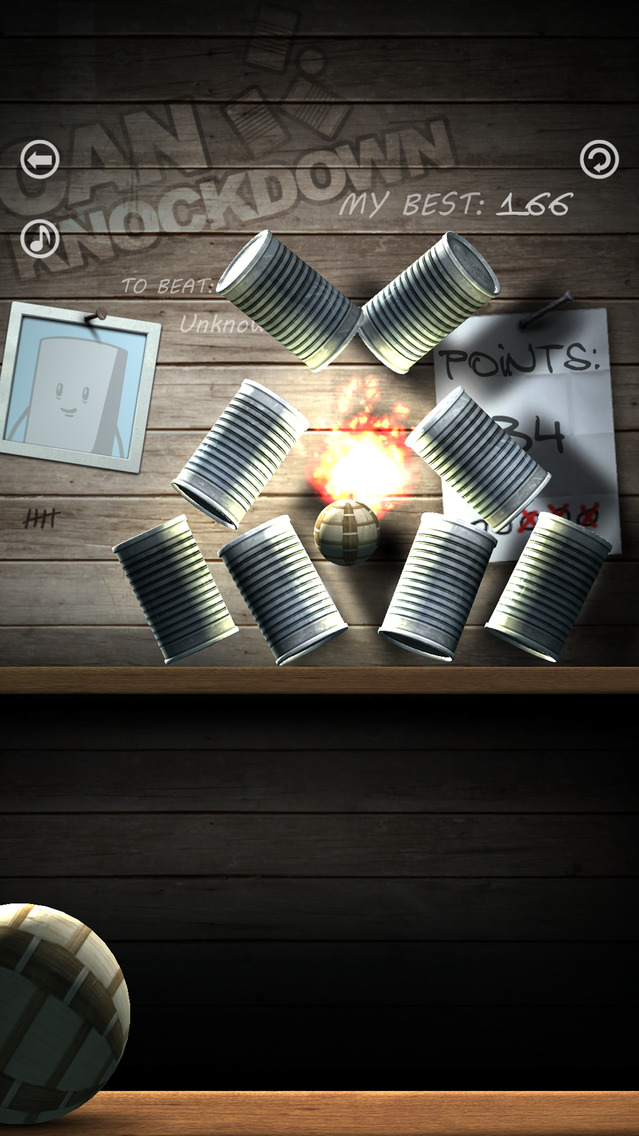 Can Knockdown was an instant hit and reached the #1 spot in 67 countries since December 2010. This free and universal game has been downloaded nearly 2,5 million times in just one month! Thank you for all your support!
Media reviews:
“Simple to pick up, easy to play, difficult to master” – makeuseof.com
“Incredibly addictive game that will have you playing for hours” – Tapscape
“It’s simple, addictive and free” – Pad Gadget
“…game recommended to anyone with an iPad.” – iPhoneActive
“how can something so simple be so addictive!” – iPhone Radar
Check out the most addictive and FREE game on App Store and become a cold blood sniper while aiming at and knocking down piles and pyramids of cans! Start playing and you just won’t put down this marvelous title till you drain your battery empty! You have been warned!
Can Knockdown includes many astonishing features which will amaze your friends and make you come back for more! Online leaderboards via Game Center, absolutely gorgeous graphics, high-res Retina display support, unique and realistic physics engine, multipliers, explosive action and so much more! Can Knockdown is like a miraculous carnival fun fair – only better!
Follow Infinite Dreams social channels to get the latest news about “Can Knockdown 2” and other Infinite Dreams games:
Facebook – http://www.facebook.com/idreams.fan
Twitter – http://twitter.com/idreamsgames
YouTube – http://www.youtube.com/idreamsgames
Can Knockdown for PC Free Download Links:
Can Knockdown for PC is now available for free download. Directly download the Can Knockdown for PC app setup files along with Bluestack installation files and follow the below-listed instructions to smoothly run Can Knockdown for PC in your Windows XP/7/8/10 and MAC PC.
Can Knockdown for PC Free Download Link: Click Here on the Link
Bluestack for PC Free Download Link: Click Here on the Link
Download Instructions for Can Knockdown:
Inorder to run Can Knockdown on your Windows 7/8/10/XP or MAC PC, you will need an Android or iOS emulator to prepare the system environment for the mobile application. You will need to install Bluestack for PC on your Windows 7/8/10/XP or MAC PC and then would need to install the Can Knockdown for PC apk or setup file. Bluestack for PC is an top grossing award winning Android Emulator available in the market and is proficient to run all major Android/iOS mobile applications (including Can Knockdown for PC) and mobile games on the host PC. In all, it would provide a mesmerizing experience running Can Knockdown on your Windows 7/8/10/XP or MAC PC.
Just follow the below-listed instructions to Download and Install Can Knockdown for PC on your Windows XP/7/8/10 or MAC PC:
1. Download the Bluestack Standalone installation file from the link provided in the above section.
2. BlueStacks-Installer_native.exe file consuming about 261.86 MB will be downloaded on your Windows XP/7/8/8.1/10 or MAC PC.
3. After downloading the Standalone setup file, install the Bluestack on your Windows 7/8/8.1/10 or MAC PC. It would take about 2-5 minutes. Just skip through all the interrupts in between.
4. Now, your Bluestack installation is over and you are ready to run it for the first time on your Windows 7/8/8.1/10 or MAC PC. Just feel free to have experience with its highly interactive look and functioning.
5. The next step involves installing Summoners War for PC app on your Bluestack emulator. Just simply search in the Bluestack Apps Search Console for Summoners War game. You will be prompted to Play store from where you could download the Can Knockdown for PC which would run smoothly on this Bluestack Emulator.
6. If you feel somewhat confused with the above step, Just simply open the link provided in the above section in your Bluestack Browser and everything will be done automatically.


